
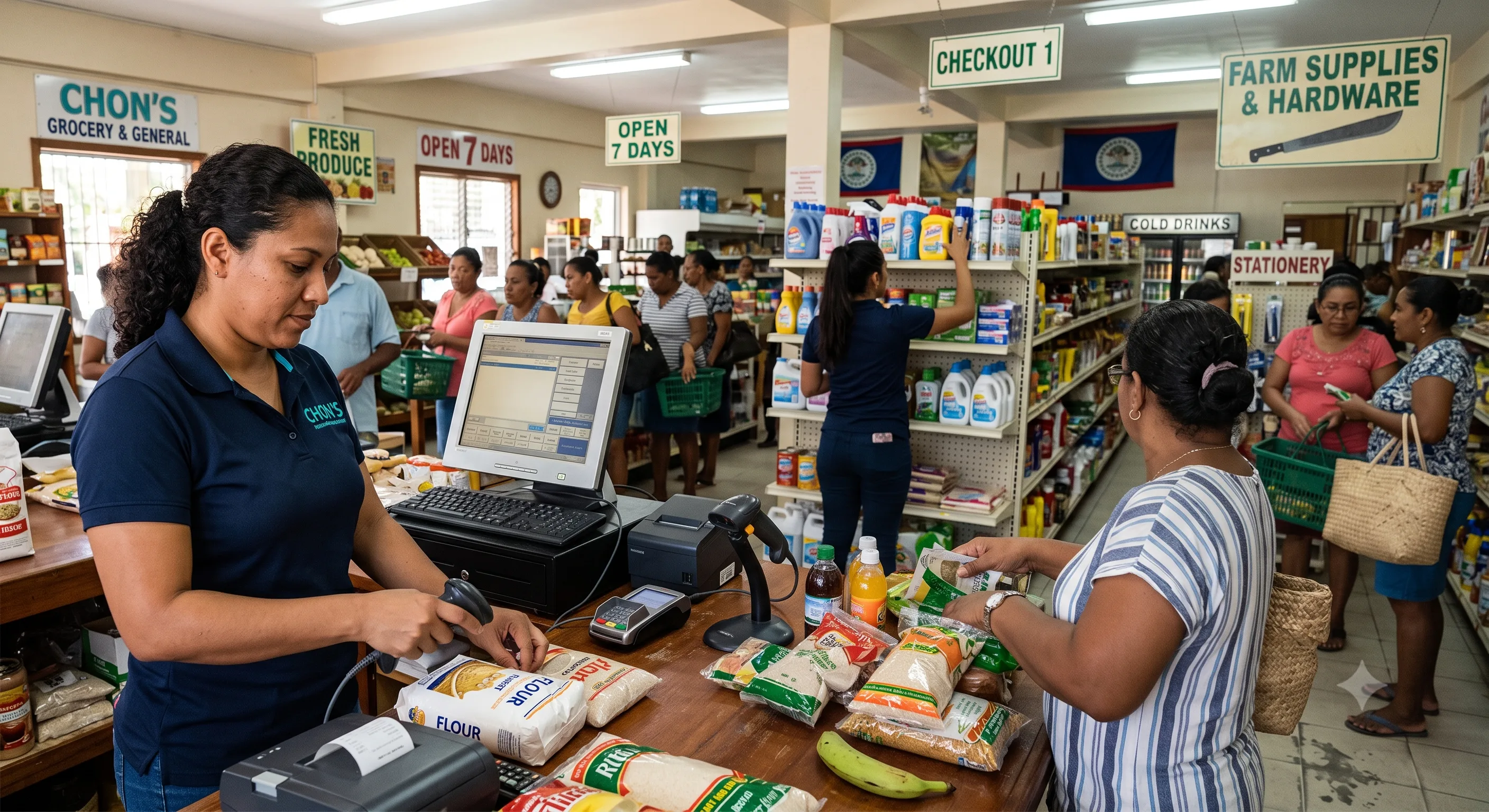
One scan keeps the shelf accurate.
A completed sale should do more than print a receipt. Follow the record as it becomes an inventory decision.
Item scanned
The cashier finds the product by barcode and adds it to the sale.
Checkout stays fastSale completed
Payment and the GST-ready receipt are recorded in BZD or USD.
One clean transactionStock updated
The sold quantity leaves on-hand inventory at the correct location.
No rekeyingReorder surfaced
The item is flagged when the new balance crosses its reorder point.
Action at the right time
The problems this register was built to end.
Stock uncertainty
Counts that never match the shelf, and reorders based on guesswork.
Manual GST work
Receipts and records rebuilt in spreadsheets at reporting time.
Internet outages
A dead connection that turns into a paper notebook at the counter.
Disconnected branches
Locations whose numbers only meet in someone's weekend spreadsheet.
Uncontrolled register actions
Discounts, voids, and refunds that depend on trust alone.
Slow paperwork
Reports downloaded, hunted for, opened, and finally printed.
Everything a busy counter needs, nothing it doesn't.
- Products, barcodes, price lists, and discounts
- Returns and exchanges with proper records
- Customer accounts and purchase history
- Cash, card, and split payments in BZD or USD
- Session management with register opening and closing
Give staff the access they need - protect the rest.
Restrict price changes, voids, refunds, payment validation, and session access per employee. A manager PIN approves exceptions on the spot, and every override is logged.
Every sale updates stock. Every count means something.
- Live on-hand quantities as you sell
- Reorder rules and low-stock alerts
- Transfers between branches and warehouses
- Expiry and lot tracking where configured
Keep selling when the internet does not cooperate.
Sales save on the device through an outage and synchronize automatically when service returns. Receipts stay GST-ready, in BZD or USD, either way.
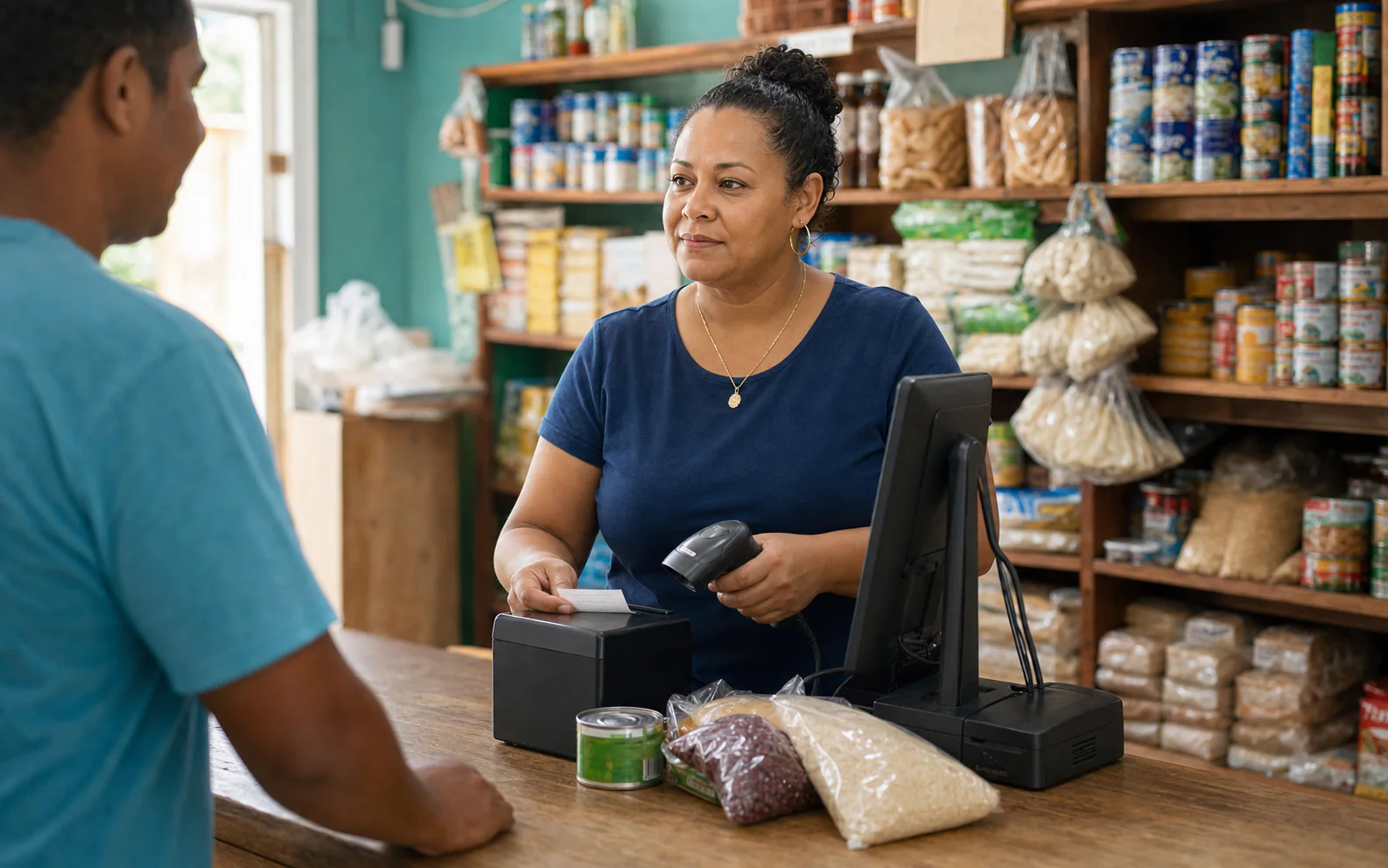
Proven fits first.
We recommend Reefway where the fit is demonstrated - and say so when it isn't.
Groceries
High-volume checkout, perishables, and reorder discipline.
Boutiques
Variants, seasons, and customer relationships.
Hardware
Deep catalogues, units of measure, and special orders.
Multi-location
Centralized stock, transfers, and per-branch reporting.
Retail questions
What hardware do I need?
Standard POS hardware - a computer or tablet, receipt printer, cash drawer, and scanner. We confirm your exact setup during discovery.
Can I import my products?
Yes, via migration templates with validation before go-live.
How do staff learn it?
Role-based training during implementation: cashiers learn the register, managers learn approvals and reports.
What happens during an outage?
The POS keeps selling and stores transactions locally, then syncs automatically when the connection returns.
Can customers pay by bank transfer online?
For ecommerce orders, yes - see online bank transfer payments.
See it on a counter like yours.
Book a retail demo and we'll walk your actual workflow: sale, stock, close of day, and reporting.