
Direct report printing
Print Odoo PDF reports with fewer clicks.
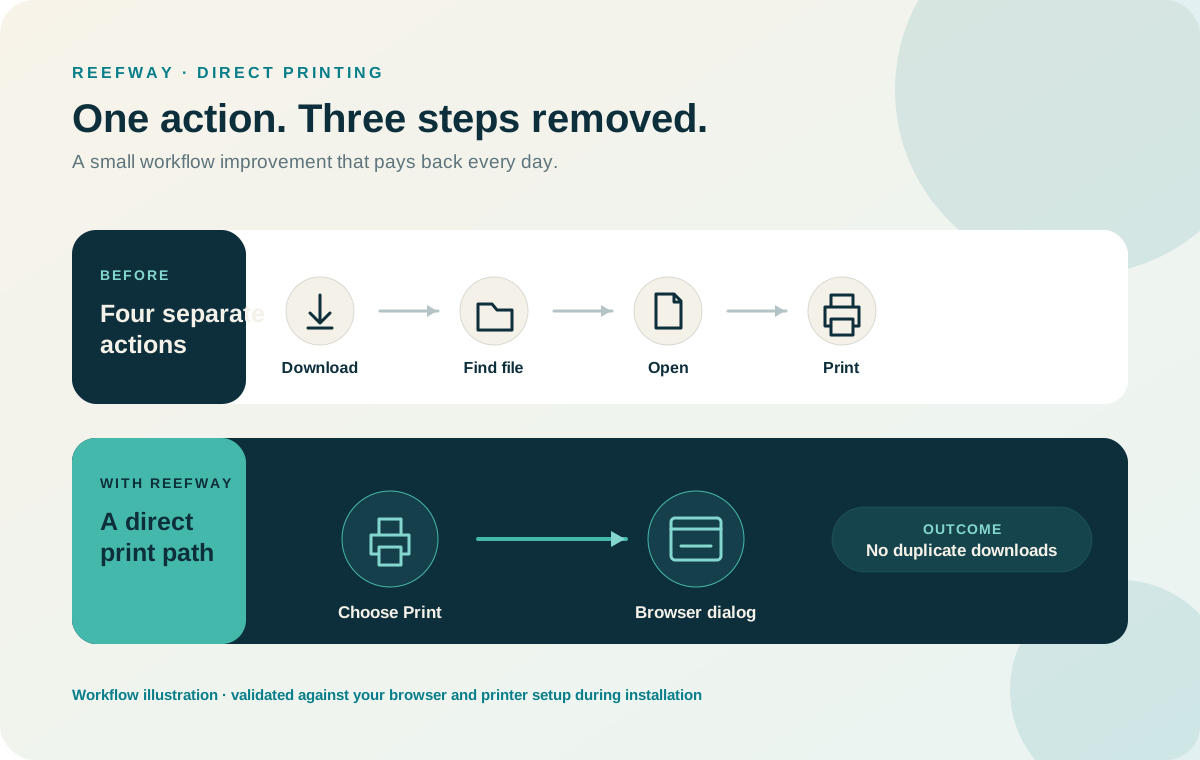
Download, find the file, open it, then print - for every invoice and report, every day. Reefway's direct-printing module removes those steps.
Before and after
One click where there used to be four.
When a user chooses Print for a PDF report, the browser's native print dialog opens directly. Invoices, operational reports, and other configured PDF outputs all benefit.
- No downloads folder full of duplicate reports
- Works with the browser and printers you already have
- Behavior tested for your setup during installation
Printing questions
Which reports does it cover?
PDF reports configured in your system - invoices and operational reports are the common cases.
Which browsers work?
Modern browsers; we validate your exact browser and device mix during installation.
Why does a small module matter?
It's evidence of how Reefway works: find the daily friction, remove it, and keep the change upgrade-safe.
Small fix, every single day.
See the before-and-after click path and check it against your own printing routine.